How Service Businesses Answer Instagram Price Questions Fast
How Service Businesses Answer Instagram Price Questions Fast. A practical guide to how do service businesses answer price questions on instagram for Creato
How do service businesses answer price questions on Instagram?
Service businesses answer Instagram price questions best by replying in the comment itself, giving the clearest price context they honestly can, then pointing to the next step. Chatdesk reports that Instagram users expect brands to answer questions inside the app rather than getting bounced to an external site for self-service. So the public comment is the answer, not a detour to a DM.
The pattern is short:
- Answer the price question with a real number: exact, starting, or a range.
- Add one line of context (what's included, what shifts the price).
- Give the next step: full pricing page, booking, or "DM me your dates for an exact quote."
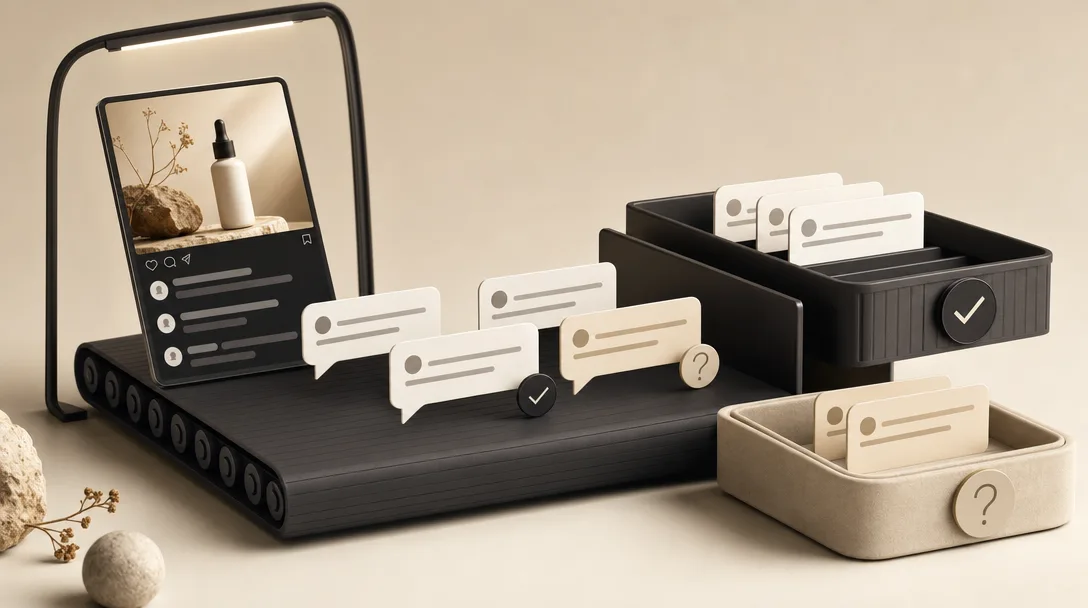
The volume problem is what makes this hard at scale. Chatdesk's source notes that ButcherBox reported getting 8,000 direct messages a month across its social platforms. A viral Reel or a launch turns that into a flood under a single post, and most of it is the same five questions: price, availability, booking, sizing, policies.
The mistake is treating each comment as a one-off. Price questions belong in a repeatable system: not retyped by hand, not fired by a keyword that doesn't know what the post shows.
Should service businesses say DM for price on Instagram?
"DM for price" works against you for most public price questions, because it adds friction before a buyer can decide if you're in their budget. One widely-shared Instagram reel from creator charlesindavies, dated March 25, 2025, argues plainly: add prices to your captions and stop saying "DM for price." That reel pulled 1.2K likes and 104 comments: an active debate, not a settled one.
The pushback in that same thread is honest and worth respecting. One commenter on the reel runs a service business and says their price "depends on a lot of factors" because each customer has unique needs. Another puts the buyer's side flatly: they scroll past brands that hide prices behind a DM.
Both can be true. The split is about scope, not secrecy.
- Fixed-scope service (a 60-minute session, a standard cleaning): post the number publicly. Hiding it just annoys people who'd have booked.
- Variable-scope service (custom events, multi-room jobs): give a starting price or range publicly, then move the exact quote private.
The "DM for price" reflex loses leads who would have qualified themselves out: or in: if you'd just shown a number. Use the public reply to set expectations, and reserve the DM for the parts that genuinely need scoping.
Should I put prices in my Instagram captions?
Put prices in your captions when the price is stable enough to print, because it kills the repeat-question problem at the source. Chatdesk's reporting makes the point that smart brands "answer questions on Instagram before customers can even ask them." A price in the caption does exactly that: it answers the most common question before anyone has to type it.
The charlesindavies reel pushes the same line: customers are conditioned to see prices under product lists, and a missing price reads as a lack of transparency. With 104 comments debating it, the demand for upfront pricing is clearly there.
What goes in the caption depends on how predictable your pricing is:
| Caption approach | Best for | Example |
|---|---|---|
| Exact price | Fixed-scope, single-price services | "Sessions are $120." |
| Starting price | Variable work with a floor | "Packages start at $400." |
| Price range | Scope-dependent jobs | "Most events run $1,500, $3,500." |
| No number, qualifier instead | Truly custom only | "Pricing depends on guest count: comment your date." |
Even with a price in the caption, people still ask. One commenter on the reel said it directly: post the price, and answer when they ask anyway, because buyers have been burned elsewhere. That's the gap a reply system fills: the caption stops most questions, and a fast public reply handles the rest without you retyping.
Exact price vs starting price vs price range: which one fits the job?
Match your price format to your scope: exact price for fixed-scope work, a starting price or range for variable work, and a short qualifier plus a next step when the job is genuinely custom. This decision tree is the thing most "post your prices" advice skips: it treats every service like a product with one number, when service pricing rarely works that way. The charlesindavies reel captures both sides: post the price, but as one service-business commenter noted, custom work depends on factors that vary per customer.
Here's how to pick:
| Scope of the job | Format to show | What the reply does |
|---|---|---|
| Fixed (set session, flat package) | Exact price | Removes friction; buyer self-qualifies instantly |
| Variable (tiered, add-ons) | Starting price | Sets the floor without underselling complex jobs |
| Range-bound (size or guest-count driven) | Price range | Shows affordability band before scoping |
| Truly custom (one-off, scoped projects) | Qualifier + next step | Filters serious leads; routes to a quote |
A fixed-scope reply is one line: "Sessions are $120: book through the link in bio." A range reply adds a band: "Most cleans run $150, $300 depending on square footage." A custom reply qualifies before quoting: "Happy to price it out: DM me the date and guest count and I'll send an exact quote."
The rule is simple: show a real number whenever scope allows it, and only go private when the quote genuinely can't be set without details. That keeps you transparent on the easy 80% and protected on the custom 20%.
How do I answer "How much?" on Instagram without losing the lead?
Answer "How much?" by treating the question as a buying signal, not a chore: give the number, add one line of context, then point to the next step. CreatorFlow frames customer questions as purchase intent and recommends a structured response: acknowledge, give context, then present the offer: rather than a flat one-word answer or a "DM me" dodge.
The pattern, in three moves:
- Answer the price. "Starting at $400 for a half-day shoot."
- Add context. "That covers two hours and 30 edited photos."
- Move them forward. "Pick a date here: [link]."
That third move is what stops the lead from stalling. A bare number with no next step leaves the buyer to figure out what to do; a number plus a path keeps momentum.
The reason this matters more in comments than in DMs is reach. A DM answer helps one person. A public comment answer is read by everyone scrolling the thread under a viral Reel or launch post: so a clear, friendly price reply does double duty as proof and as a sales line.
What should a first pricing reply include before the booking link?
A strong first pricing reply contains five things: a brief package overview, a starting price or range, a link to full pricing, a clear next action, and availability or turnaround time. CreatorFlow's pricing guidance lays out exactly this combination: it's the difference between a reply that informs and one that actually converts.
Run through the checklist before you hit send:
- Package overview: name what's included so the price has meaning ("the full-day package covers setup, two hours, and edits").
- Starting price or range: a real number, scoped to honesty ("from $400" or "$1,500, $3,500").
- Link to full pricing: for buyers who want the complete menu, not the highlight.
- Clear next action: book, DM your date, or grab the link. One verb, not three options.
- Availability or turnaround time: "booking two weeks out" or "I deliver in 5 days" sets expectations and adds urgency.
A reply with all five reads as competent and decisive. A reply missing the next action and the availability line leaves the buyer hanging: they got the price but no reason to act now.
The pricing reply's job isn't to inform; it's to move the buyer one concrete step closer to booking. Everything in it should serve that.
You don't need to compose this from scratch under every post. The repeatable parts: package, range, link, turnaround: are stable. What changes is the post each commenter is reacting to, which is where a reply has to fit the actual Reel or carousel, not a generic template.
Public comment vs DM: where should the price conversation move?
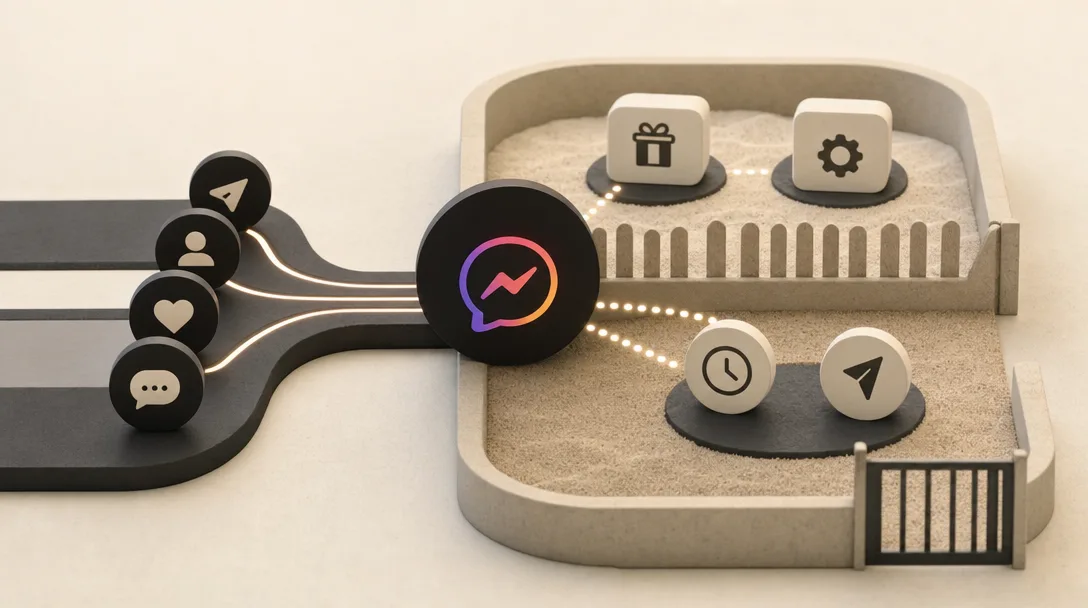
Keep general price guidance public and move only the scope-sensitive details to DM. General price questions: "How much?", "What do packages start at?": belong in the comment, because Chatdesk reports customers expect answers inside the app and every public reply educates the whole thread. Custom quoting, deposits, cancellation terms, and limited availability are where a private follow-up makes sense.
Here's the split:
| Question type | Where it belongs | Why |
|---|---|---|
| Starting price, ranges, what's included | Public comment | Educates everyone reading; builds trust |
| Custom scope and exact quotes | DM | Needs details you shouldn't gather publicly |
| Deposits and payment terms | DM | Sensitive; varies by job |
| Cancellation and refund policy | Public if standard, DM if case-by-case | Standard terms reassure; exceptions need privacy |
| Availability for a specific date | DM | Personal, time-sensitive, changes fast |
The clean move for a custom job is to answer publicly with the range, then redirect: "Most weddings run $1,500, $3,500: DM me your date and guest count for an exact quote." You've stayed transparent and protected the scoping.
This is comment work, not DM-bot work. ReplyMagic responds to public Instagram comments and can suggest a "DM me" redirect for the sensitive parts: it's not a DM autoresponder. The public reply does the heavy lifting; the redirect handles the edge cases.
How do you use Instagram Quick Replies for pricing questions?
Instagram Quick Replies let you save a boilerplate answer in DM under a shortcut so you stop retyping the same response. Chatdesk explains that businesses can store a common answer under a keyword inside Instagram DM, and it appears in drafts instead of being typed fresh each time. Instant Reply adds that businesses can save up to 30 Saved Replies: enough to cover separate templates for price, booking, hours, sizing, and policies.
For DMs, that's genuinely useful. Set one for "pricing" with your package overview and link, one for "availability," one for "cancellation," and you've cut the typing on the most-asked questions.
The gap is where they don't reach. Quick Replies live in the DM inbox. They do nothing for the public comment thread under your viral Reel or launch post: the place service-business price questions actually pile up. And a saved template is the same every time, regardless of what the specific post shows.
That's the line between a saved DM template and a comment reply that's aware of the post it's sitting under: which is the real difference worth understanding next.
Saved replies vs context-aware comment replies for repeated price questions
Saved replies fire the same canned text every time; context-aware comment replies read the actual post first and draft an answer that fits it. The mechanism matters here. A keyword-rule reply matches a trigger word and pastes a fixed response: which is why it can fire on the wrong post or answer a price question under a post that has nothing to do with pricing. ReplyMagic instead uses Google Gemini to analyze each post's photo, Reel, or video before drafting, so the reply references what the post actually shows: not keywords, actual facts.
| Saved / keyword replies | Context-aware comment replies | |
|---|---|---|
| Trigger | Matches a keyword | Reads the post's image, Reel, or video |
| Output | Same fixed text | Drafted to fit the specific post |
| Voice | Generic template | Conditioned on your past replies, tone, emoji habits, sign-offs |
| Wrong-post risk | Fires on the wrong post | Knows what the post is about |
| Control | On/off | Approval queue, review mode, per-post settings, exclusion phrases, spam gates |
The control layer is the part that keeps automation from embarrassing you. Run an approval queue to review every draft before it posts, switch to review mode for sensitive threads, set per-post rules, add exclusion phrases for things you never want auto-answered, and let pre-LLM spam gates filter scam links and crypto bait before AI is ever called.
You can automate the obvious: price, sizing, availability, booking: and still hold the edge cases. For the full breakdown of why triggers fail, see why keyword bots keep failing on Instagram.
How should booking, availability, and policy questions fit the same Instagram reply system?
Price questions aren't a separate problem from booking, availability, enrollment, shipping, cancellation, and policy questions: they're the same repetitive-comment flood, and they belong in one system. Chatdesk's source illustrates the scale with ButcherBox reporting 8,000 direct messages a month across social platforms; under a launch post, that same repetition lands in your comments instead.
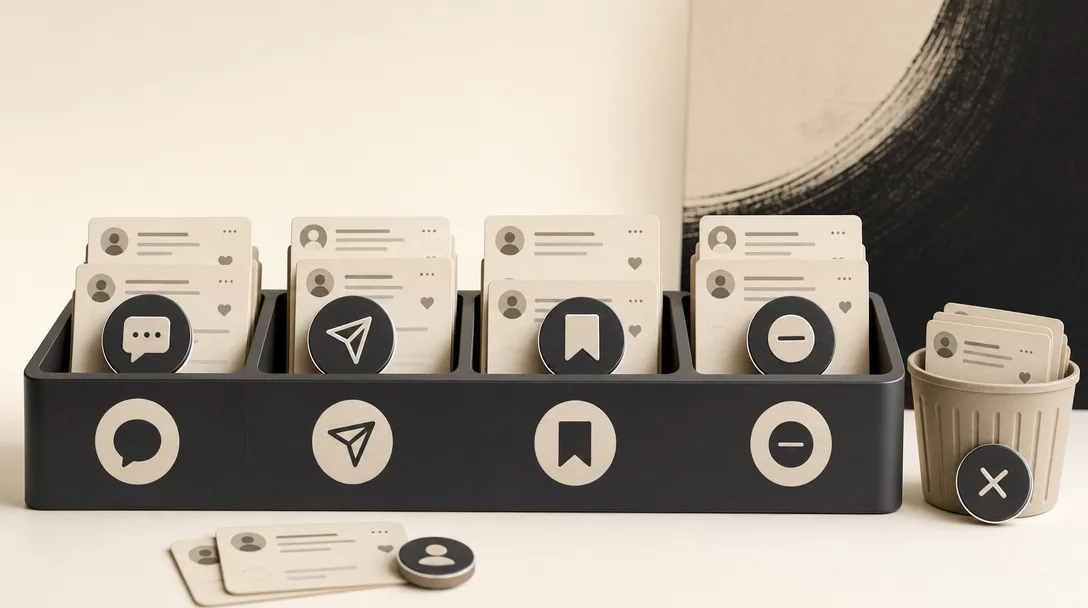
The recurring set is short and predictable: price, availability, booking, sizing, offers, enrollment, cancellation, shipping. Each one is a known answer waiting to be asked again. Handling them in one place: with public replies for the general questions and DM redirects for the sensitive ones: is what keeps a launch or a viral Reel from eating your day.
ReplyMagic's Free plan covers 10 AI replies per day to test the workflow; Pro handles 3,000 replies per month, with extra Instagram accounts at $15/month each for another account and 3,000 more replies. That's built for the volume a single drop or cohort enrollment throws at one inbox.
For the scenarios where this matters most, see how to survive a comment flood after a launch, course launch FAQ automation, and how hotels handle booking questions after hours.
Sources
- ⛔️ Always add prices to your captions. Customers are ...www.instagram.com
- Instagram for Business: How Brands Can Build Their ...www.chatdesk.com
- Do you post your prices on Instagram or ...www.facebook.com
- How To Sell SERVICES On Instagramwww.youtube.com
- Turn Customer Questions Into Sales on Instagramcreatorflow.so
- Instagram Quick Reply Examples 2026: 30 DM Templates to Copy | Instant Replywww.instantreply.co